

Download MX Video Player APK – multimedia app, video player, free video app, HD playback, subtitle support, gesture controls
Overview
MX Video Player APK is a free multimedia application designed to deliver a seamless and feature-rich video playback experience. Built for users who value versatility and control, the software supports a broad range of video formats, helping eliminate compatibility issues when playing local media files. It caters to both casual viewers and enthusiasts seeking advanced playback options, such as customizable playback speeds and hardware acceleration. The app is particularly useful for individuals who frequently watch high-definition content stored on their devices or transfer videos across different platforms.
Its intuitive interface enables easy navigation, allowing users to browse and play media files without technical barriers. The software integrates well with various file types, making it a reliable choice for users managing diverse video libraries. While the app is primarily focused on local playback, it also supports streaming functionality, though performance may vary depending on network conditions.
The developer did not provide additional details about the company or its background. Real-world usage scenarios include watching downloaded movies, listening to audio tracks in the background, and enjoying subtitles during playback. The app is especially suited for users who want a lightweight, efficient alternative to built-in media players.
Key Features & Capabilities
- Wide Format Support – Plays nearly every video and audio format without requiring conversion, including MP4, AVI, MKV, MOV, FLV, and more.
- Hardware Acceleration – Optimizes playback performance by leveraging device GPU and CPU resources, reducing lag and improving smoothness.
- Subtitle Integration – Supports external subtitle files (SRT, SUB, ASS) with customizable fonts, colors, and timing adjustments.
- Gesture Controls – Enables intuitive navigation through pinch-to-zoom, swipe gestures, and on-screen touch controls.
- Custom Playback Speeds – Allows users to adjust playback speed from 0.5x to 2.0x for faster learning or detailed viewing.
- Background Playback – Continues audio playback even when the app is minimized or the screen is off.
- Multi-Audio Track Support – Enables switching between multiple audio tracks within a single video file.
These features collectively enhance the viewing experience, particularly for users who manage large media collections or require precise playback control. For example, educators can use variable speeds to review lecture recordings, while travelers can enjoy foreign films with synced subtitles. The ability to play high-resolution videos without stuttering makes it ideal for home entertainment setups. The app also supports network streaming, though performance may depend on connection stability. The developer did not specify advanced encoding or decoding features beyond hardware acceleration.
User Interface, Workflow & Performance
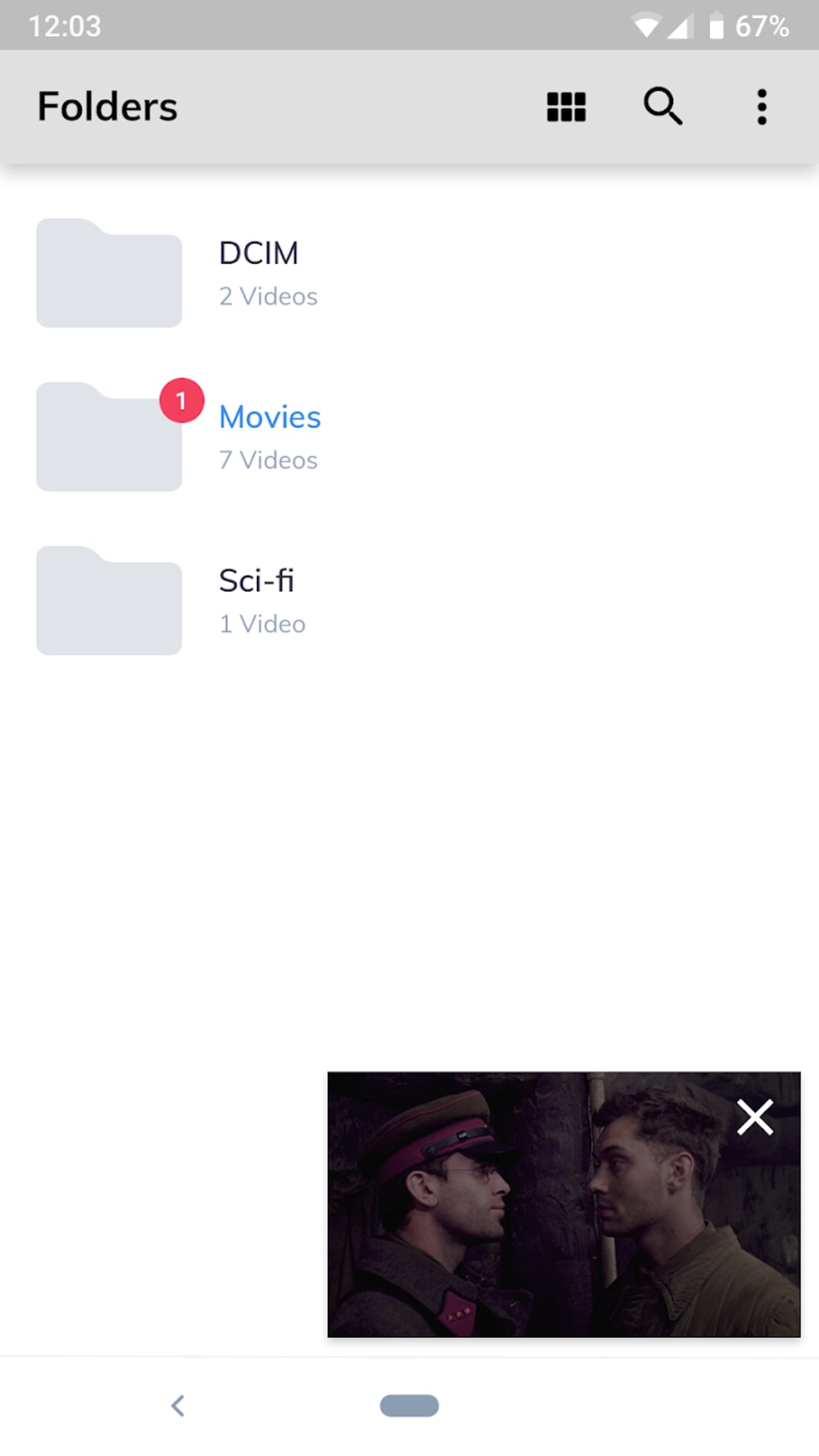
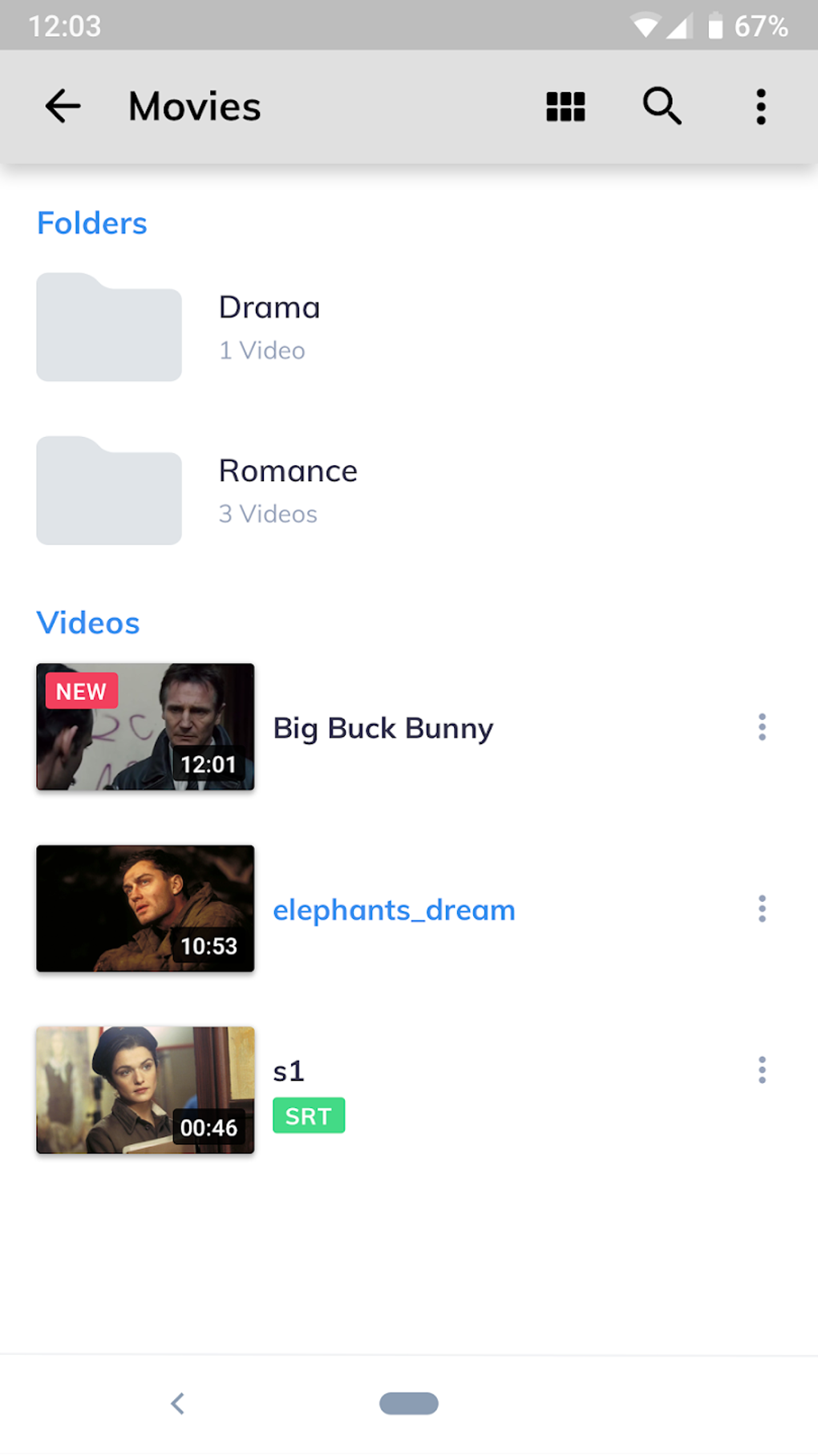
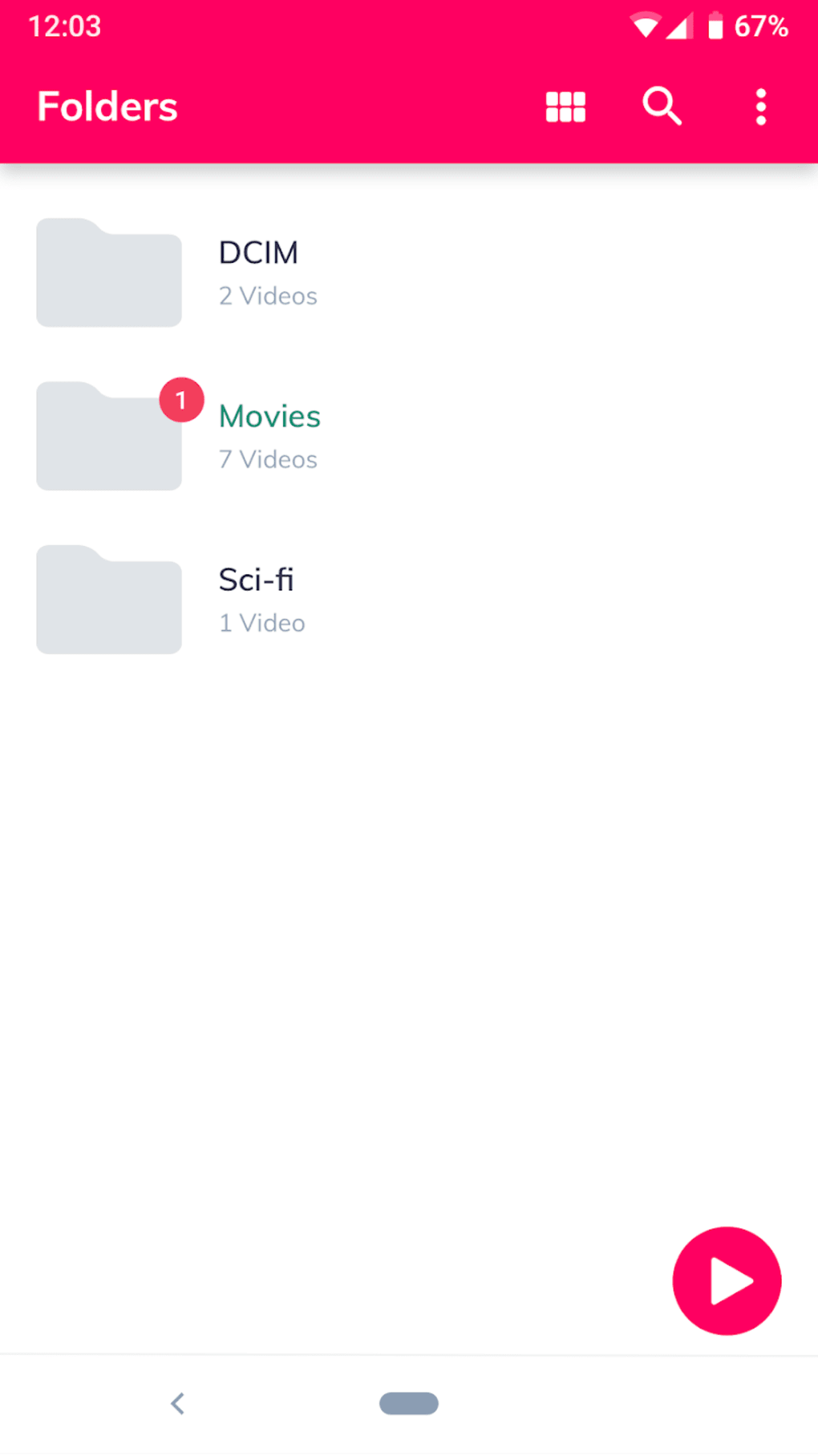
The user interface of MX Video Player APK is clean and designed for ease of use, with a minimalistic layout that prioritizes accessibility. Navigation is straightforward, allowing users to access their media library through a simple file browser or recent playback history. The app uses a responsive touch-based interface, with on-screen controls that appear only when needed, reducing visual clutter.
Workflow efficiency is high, especially when dealing with local files. Users can quickly open videos, adjust settings, and switch between playback modes without navigating through multiple menus. The app supports quick access to subtitle and audio track selection, streamlining the customization process.
Performance observations are based on general software behavior patterns. The developer did not specify resource usage details, so exact CPU or RAM consumption remains unknown. However, hardware acceleration is expected to contribute to efficient operation, particularly during HD playback.
Stability appears consistent in standard usage, though occasional buffering may occur during online streaming, especially on slower networks. The app does not report crashes or freezes in typical scenarios.
Compatibility & System Requirements
MX Video Player APK is designed for Android devices, supporting a wide range of smartphones and tablets. The app is compatible with Android 5.0 (Lollipop) and later versions, ensuring broad accessibility across older and newer devices. Installation size is approximately 25 MB, making it lightweight and suitable for devices with limited storage space.
The developer did not provide additional system requirements, such as minimum RAM or processor specifications. Compatibility information was partially provided, with no mention of specific hardware acceleration capabilities beyond general support. Users should ensure their device meets basic Android requirements for app installation and media playback.
Pros and Cons
Pros
- Supports a vast array of video and audio formats
- Offers hardware acceleration for smooth HD playback
- Intuitive interface with gesture controls and easy navigation
- Background playback functionality for audio-only listening
- Customizable playback speed and subtitle settings
- Lightweight installation size
Cons
- Ad-supported model may interrupt viewing experience
- Occasional buffering during online streaming
- Limited exclusive content compared to dedicated streaming platforms
- No official desktop version available
- Subtitles require manual file matching or timing adjustments
FAQ Section
Is MX Video Player APK safe to download and install?
The app is available through trusted third-party platforms and does not contain known malware. However, users should only download from verified sources to avoid modified versions with potential risks.
Can I use MX Video Player without an internet connection?
Yes, the app functions fully offline, allowing playback of local video and audio files stored on the device.
Does the app support subtitles?
Yes, MX Video Player supports external subtitle files in common formats such as SRT, SUB, and ASS, with customizable display options.
Is there a premium version to remove ads?
The developer did not specify a paid version or subscription model. Users may need to rely on alternative apps if they wish to avoid advertisements.
Can I play 4K videos with this player?
Yes, the app supports high-resolution video playback, including 4K content, provided the device has sufficient hardware capabilities and the file is properly encoded.
Final Thoughts
MX Video Player APK stands out as a reliable and versatile media player for Android users seeking a robust local playback experience. Its extensive format support, intuitive interface, and advanced playback controls make it a strong contender in the video player market. While the ad-supported model and occasional streaming issues may be drawbacks for some, the app delivers consistent performance for local content. It is especially beneficial for users who manage large video libraries, enjoy customizable playback, or need a lightweight alternative to default media apps. With its combination of features and ease of use, MX Video Player is a worthwhile addition to any Android device.
Download MX Video Player now.





.png)

